
When a DTF transfer goes wrong, first identify what happened and when. Lifting during peeling, a garment changing color, and edges separating after washing are different symptoms.
Repeating the same press cycle without diagnosis can damage both the print and the garment.
Quick answer: stop, compare the process with the supplied instructions, check contact and garment compatibility, and seek guidance before changing heat settings.
On this page
- Identify when the failure occurs
- Check pressure contact and garment type
- Follow safe approved corrective steps
- Know when to stop and contact support
- FAQs
Identify when the failure occurs
Write down the stage where you first noticed the problem.
| Symptom | First information to collect |
|---|---|
| Graphic lifts with the carrier | Peel stage and application sequence |
| One edge does not adhere | Platen contact and nearby seams |
| Fabric discolors | Garment heat restrictions and press conditions |
| Print changes after washing | Application record and care history |
These observations narrow the discussion. They do not establish a diagnosis by themselves.
Keep a clear photo of the affected area and the complete garment. Support may need both the close-up and its position.
Check pressure contact and garment type
Compare your process with the instructions for Vulgrco's custom textile DTF transfers.
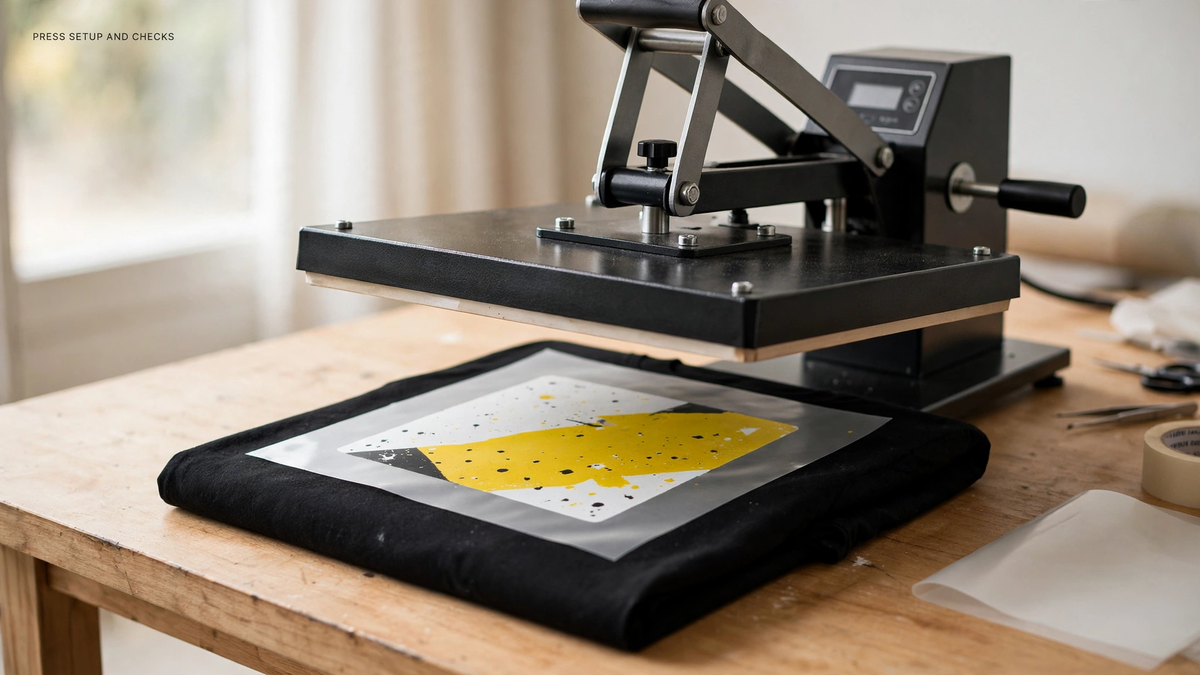
Check whether seams, buttons, pockets, or uneven loading prevented contact. Confirm the garment style and composition rather than describing it only as “a shirt.”
Review the equipment setup and whether the print fit within the usable pressing area. Uneven contact can produce a localized issue that does not call for a hotter setting everywhere.
Follow safe approved corrective steps
Use only corrective steps supported by the transfer instructions, equipment guidance, and garment limits.
Do not assume that adding heat is harmless. A garment that already shows discoloration is a reason to stop, not an invitation to keep increasing temperature.
If a repeat press is recommended for the specific symptom, follow the approved time, temperature, pressure, and covering instructions. Do not combine advice from several unrelated products.
Change one approved variable at a time on a representative sample and record the result. That makes the next decision more useful.
Know when to stop and contact support
Contact support when the instructions are unclear, a garment may be incompatible, or the recommended correction fails.
Send the order reference, transfer details, garment information, equipment model, settings used, peel stage, and photos. Include what has already been attempted.
Keep the affected garment and remaining transfers until the issue is understood. A concise record saves everyone from guessing and helps protect the rest of the batch.
FAQs
Why is my DTF transfer lifting with the film?
Possible causes include an incorrect peel stage, insufficient or uneven contact, incompatible materials, or a process deviation. Compare the actual sequence with the supplied instructions. Stop forcing the peel and ask support to assess the details before attempting a correction.
Should I increase the temperature when adhesion is poor?
Not automatically. Check garment heat limits, contact, pressure, peel timing, and the specified process first. Increasing heat can damage some garments. Use only a correction approved for the specific transfer and substrate, preferably on a representative sample.
Can a seam cause an uneven result?
A raised seam can affect how the garment contacts the press. Inspect its position relative to the graphic and follow the equipment and transfer guidance for handling uneven areas. Do not assume higher temperature will solve a contact problem.
What information helps support troubleshoot a failed transfer?
Provide the order reference, garment style and composition, press model, settings, application sequence, peel conditions, and clear photos. Explain when the issue appeared and what you have already tried. Those details are more useful than a general report that the transfer “didn't stick.”