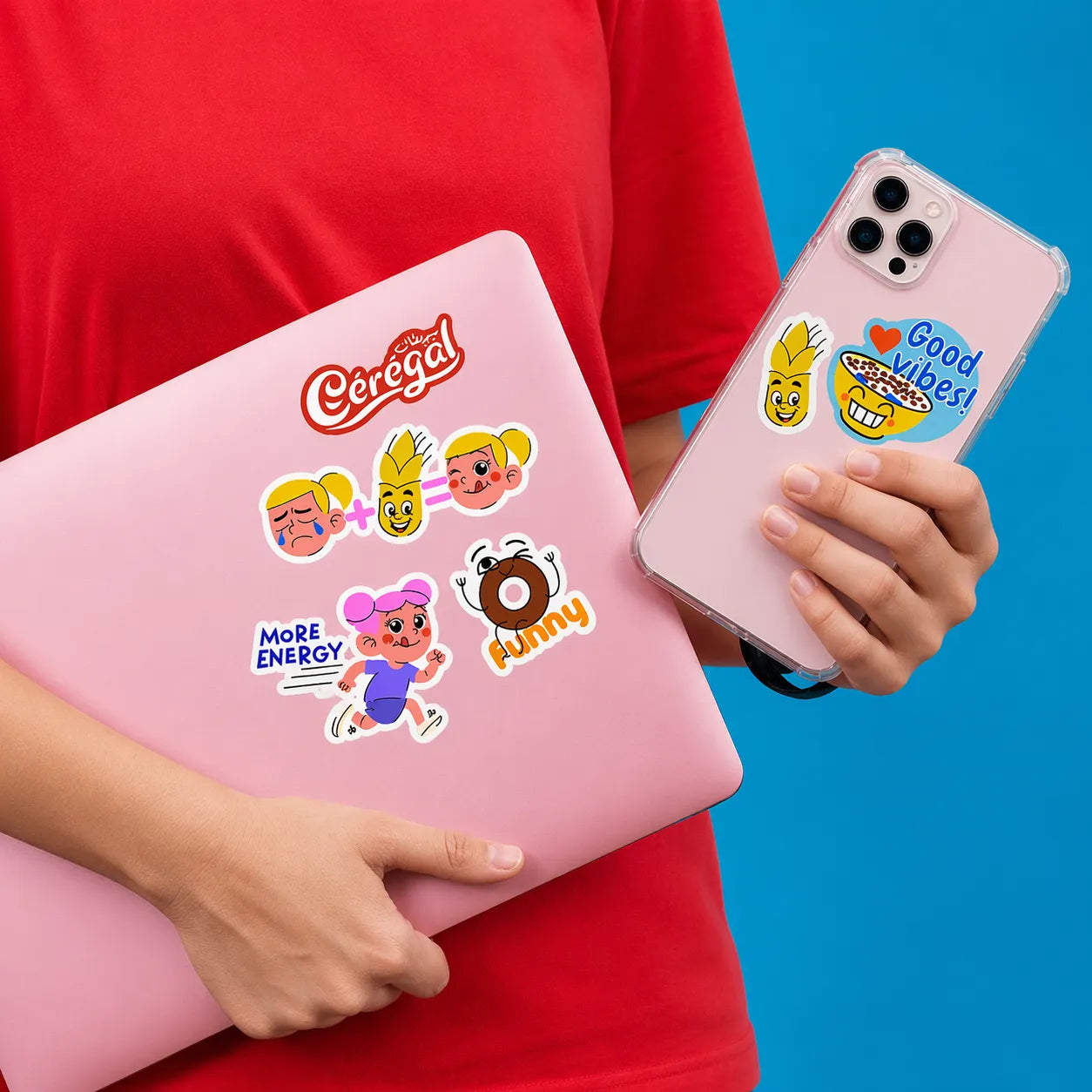

An iPhone skin layout depends on the exact supported phone model. Camera openings, body dimensions, and edges change the usable artwork area.
Choose the model first. Designing first and asking the template to fit later creates avoidable compromises.
Quick answer: confirm model compatibility, compose around the actual openings, and review a model-specific proof before approval.
On this page
- Select the supported phone model
- Plan around camera and edge areas
- Choose the documented finish
- Review a model-specific proof
- FAQs
Select the supported phone model
Identify the exact phone model from its device information rather than appearance alone.
Check that it is currently supported by the product builder. Similar names, generation numbers, and larger model variants are not interchangeable.
Confirm the selected option in the order summary. A correct device description in a message does not fix an incorrect model selection at checkout.
Plan around camera and edge areas
Use the custom iPhone skin builder to review supported layouts.
Place essential artwork away from camera openings, trim zones, and other restricted areas shown in the template.
A portrait may need its subject moved lower or sideways so a camera opening does not remove an eye or part of the face, while a repeating pattern may need only an orientation adjustment. Check both on the actual template.
Protect ports, controls, and any areas the product instructions exclude. Decoration should not obstruct the phone's intended operation.
Choose the documented finish
Review only the finishes actually offered for the selected product and model.
A glossy-looking example photo does not establish the finish of every option. Ask for a product-specific sample or clear specification if appearance matters.
This guide does not establish drop protection, charging compatibility, residue-free removal, or a durability guarantee. A skin should not be described as a protective case without appropriate evidence.
Keep those performance questions separate from the artwork decision.
Review a model-specific proof
Check the exact model, artwork crop, orientation, openings, and selected options.
View the proof at a practical scale. A small name beside a camera opening may look readable when magnified but disappear on the phone.
Confirm the current application and care instructions before installation. If a case will also be used, check compatibility rather than assuming the skin and case will fit together.
Save the final proof and model details for a future reorder.
FAQs
Can one skin layout fit several iPhone models?
Do not assume that. Body dimensions and camera layouts vary. Use the exact supported model and its current template. Reuse the underlying artwork if useful, but review each model-specific composition and order option separately.
Where should I put a face or logo?
Keep important features clear of openings, trim zones, and restricted areas shown in the actual template. Move or crop the artwork rather than letting a camera cutout remove the subject. Inspect the design at the intended physical size.
Does an iPhone skin replace a protective case?
This guide establishes no protective-case equivalence. Check product-specific evidence for any protection claim that matters to you. Treat artwork personalization and device protection as separate decisions unless the supplier clearly supports a particular capability.
Will the skin work with my existing case?
Check the skin and case guidance for the exact products. Fit cannot be established from the phone model alone. If compatibility is unclear, ask before applying the skin, and do not force a case over a combination that does not fit properly.