
A laptop sticker layout works best when it respects the laptop's shape and leaves useful space around vents, ports, hinges, and labels. Plan the composition on paper before adhesive touches the device. The goal is a collection you enjoy seeing every day. On this page
- Choose one visual anchor
- Use a paper placement map
- Keep the hardware accessible
- Pick finishes after the layout
- FAQs
Choose one visual anchor
Place your largest design in a position that looks balanced with the laptop open. Add smaller pieces around it. If every sticker competes for attention, remove one before shrinking everything. A deliberate gap often does more for the layout than another graphic.
Use a paper placement map
Measure the lid and cut paper stand-ins matching the sticker outlines. Photograph two arrangements with the laptop open and closed. Check whether the designs face the direction you intend, especially if other people will see them across a desk.
Keep the hardware accessible
Avoid ventilation openings, hinge movement, camera areas, screws you may need to access, and identification labels. Textured or delicate coatings need a compatibility check. A sticker suitable for a smooth case is not proof that every laptop finish tolerates the adhesive or removal.
Pick finishes after the layout
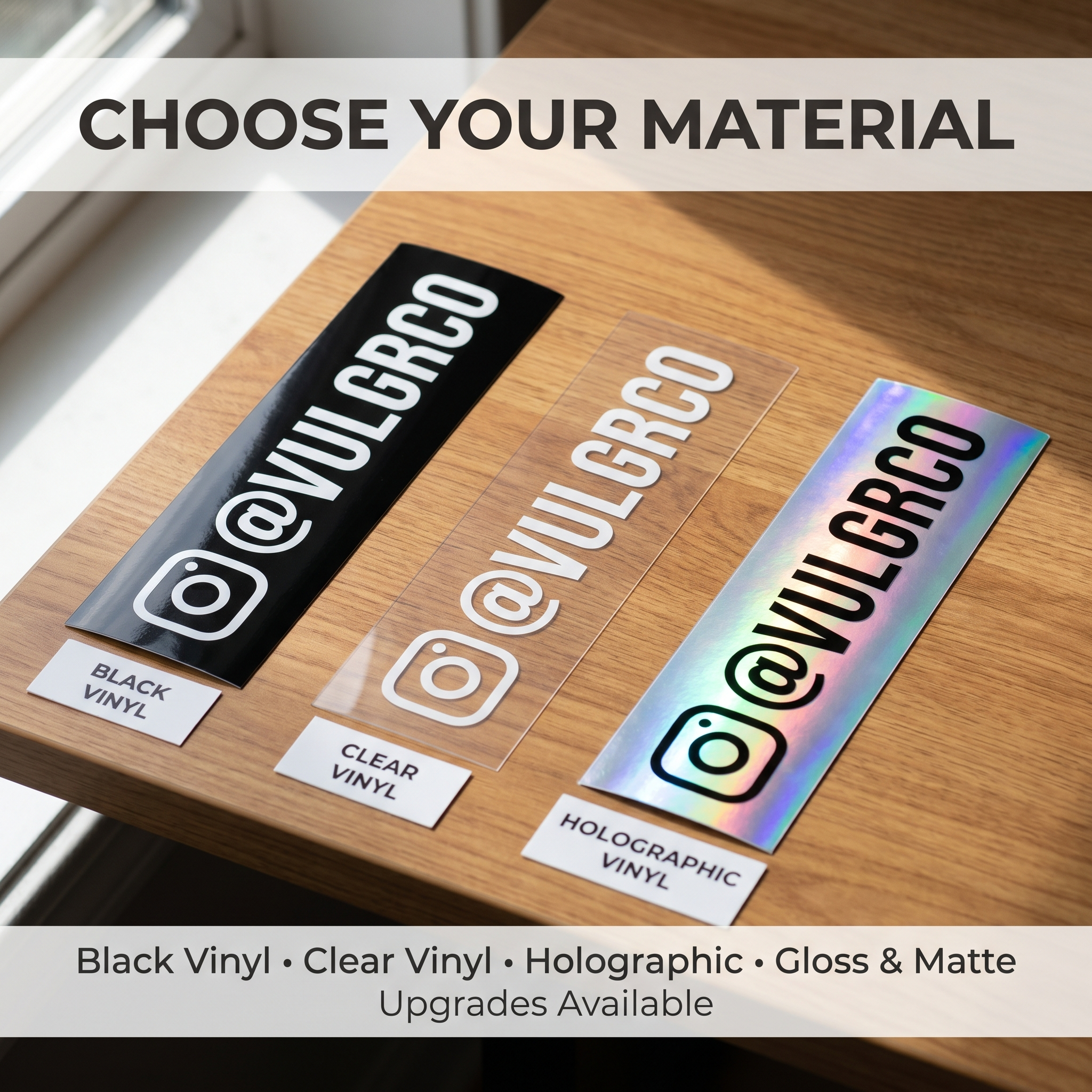
Vinyl Stickers and Matte Stickers offer different looks. Compare a sample under your normal desk lighting before choosing. Apply to a clean, dry, compatible surface using the product instructions; avoid unapproved solvents or heat on electronics.
FAQs
Should laptop stickers all face the same way?
Choose the main viewing position first. Facing the person across your open laptop produces a different arrangement from facing you while the device is closed.
Can I cover the whole lid?
You can plan a dense arrangement, but leave working parts and important labels clear. Check the device manufacturer's guidance and the specific surface before application.
Is matte or glossy better for a laptop?
The choice is visual: compare glare, color, and how the stickers look together. Neither finish alone establishes compatibility with the coating on your particular laptop.
Will the stickers remove without marks?
That depends on the adhesive, finish, age, and removal method. Test an inconspicuous compatible area and avoid promising residue-free removal on every device coating. Check the device maker's finish-care instructions before choosing a removal method.