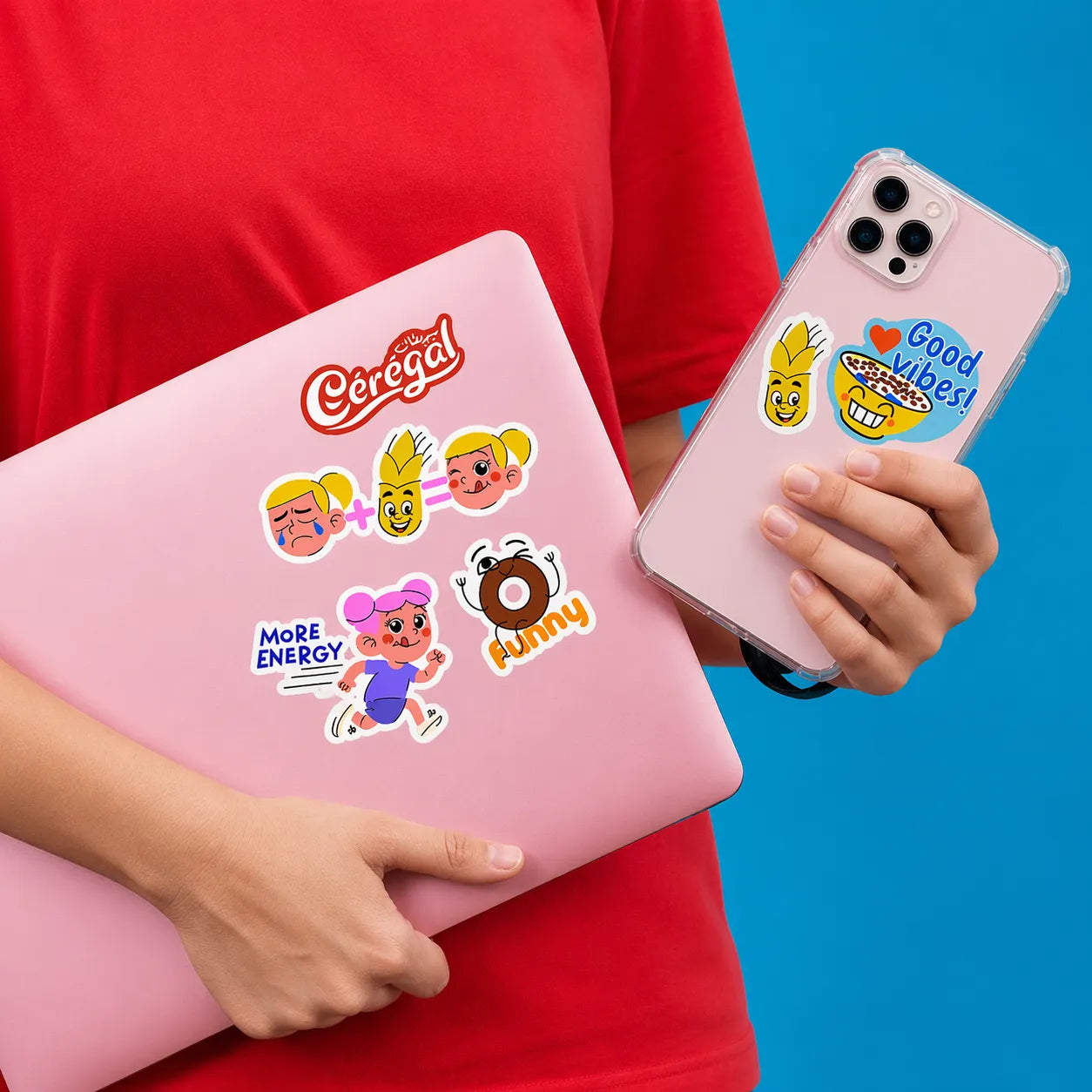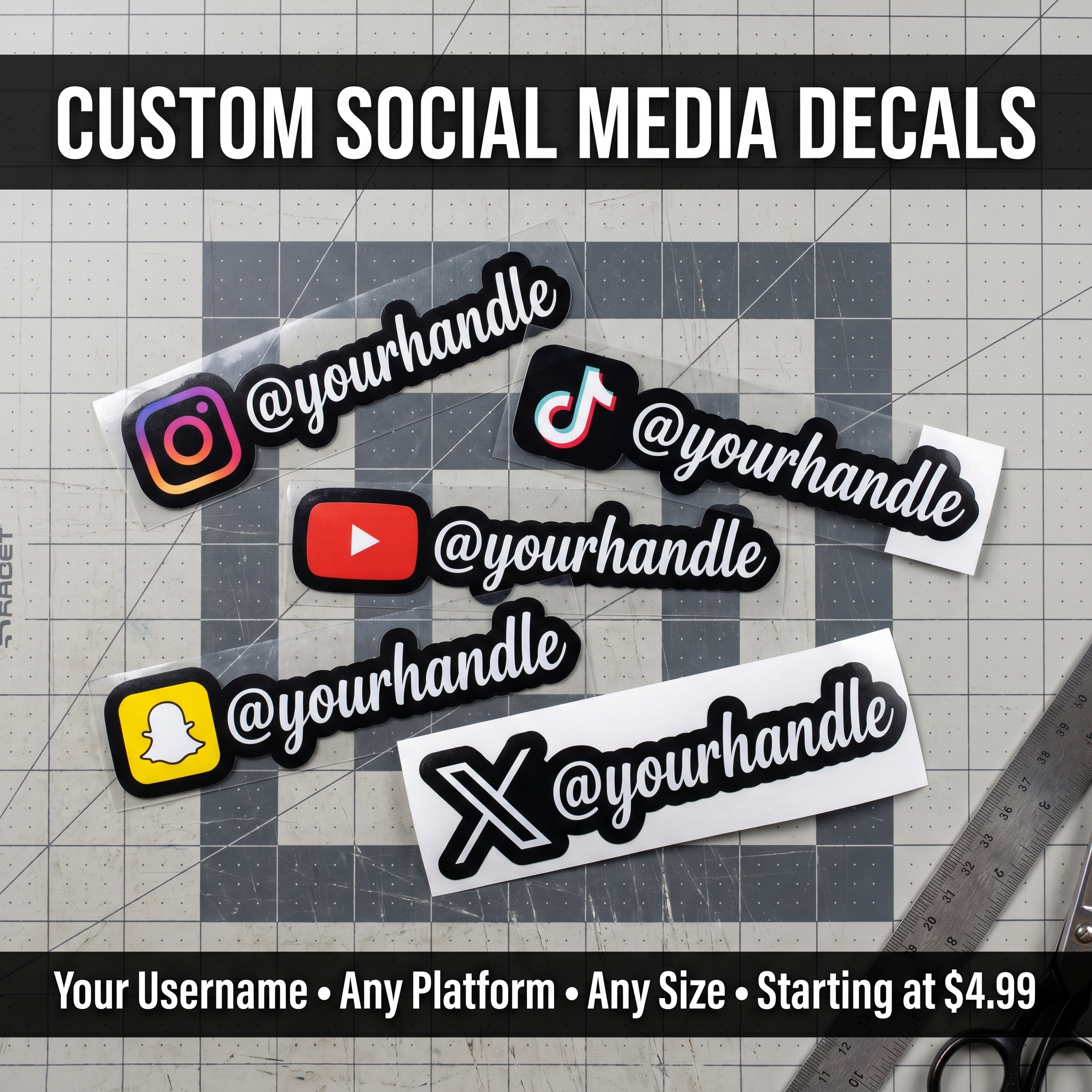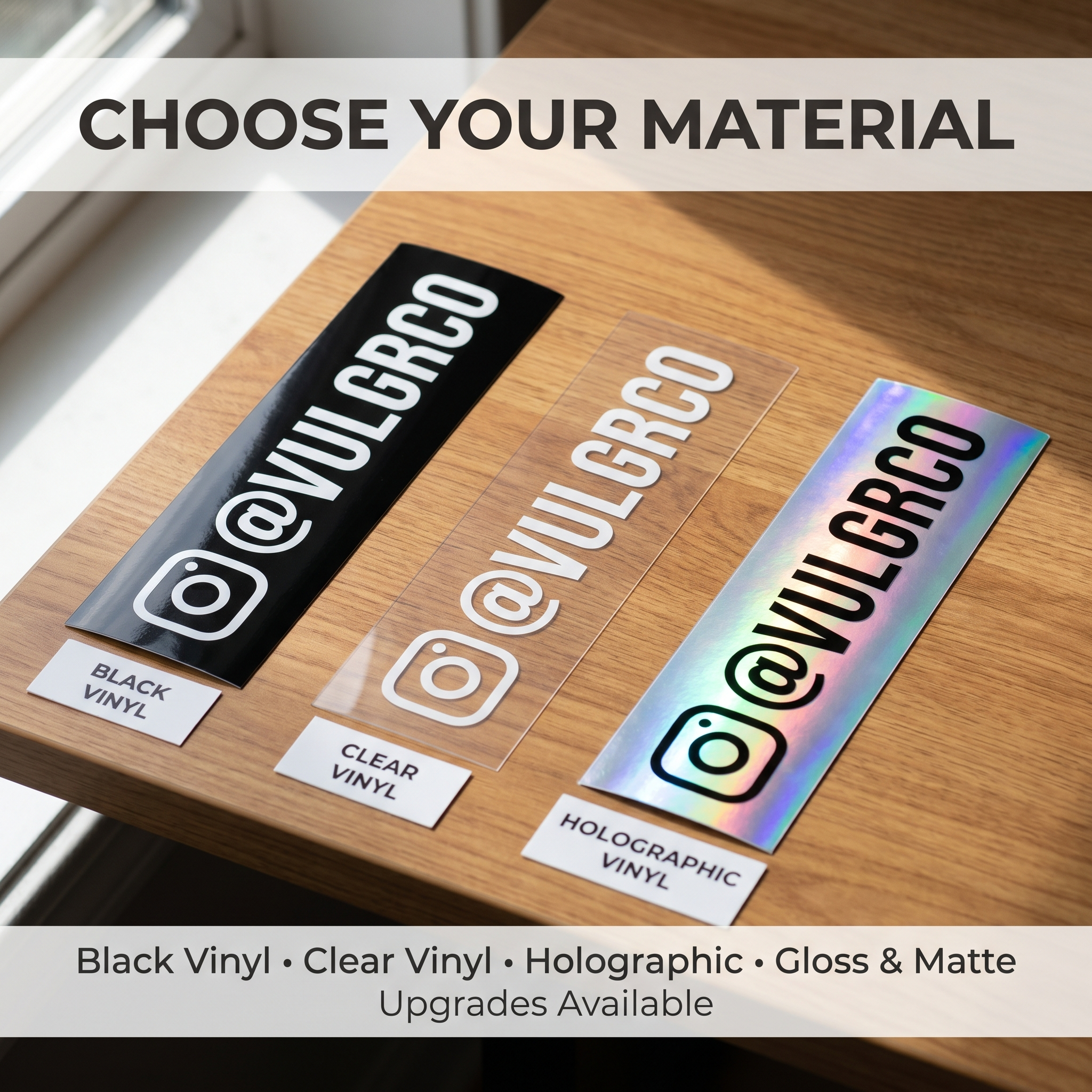

Matching personal accessories should share a visual idea without forcing one rectangular design onto every object. Each item has its own shape and functional areas.
Quick answer: use one theme, create separate compatible layouts, and approve each product's fit and proof independently.
On this page
- Choose a consistent visual theme
- Build separate model-specific layouts
- Protect chip camera and mechanism areas
- Review each proof separately
- FAQs
Choose a consistent visual theme
Pick a small set of shared elements: a palette, character, initials, pattern, or lettering style.
Use artwork you own or have permission to reproduce. Avoid including payment details or other sensitive information as decorative content.
A repeated accent can make a set feel coordinated without copying the full composition. For example, the same pattern might support a portrait on one item and initials on another.
Build separate model-specific layouts
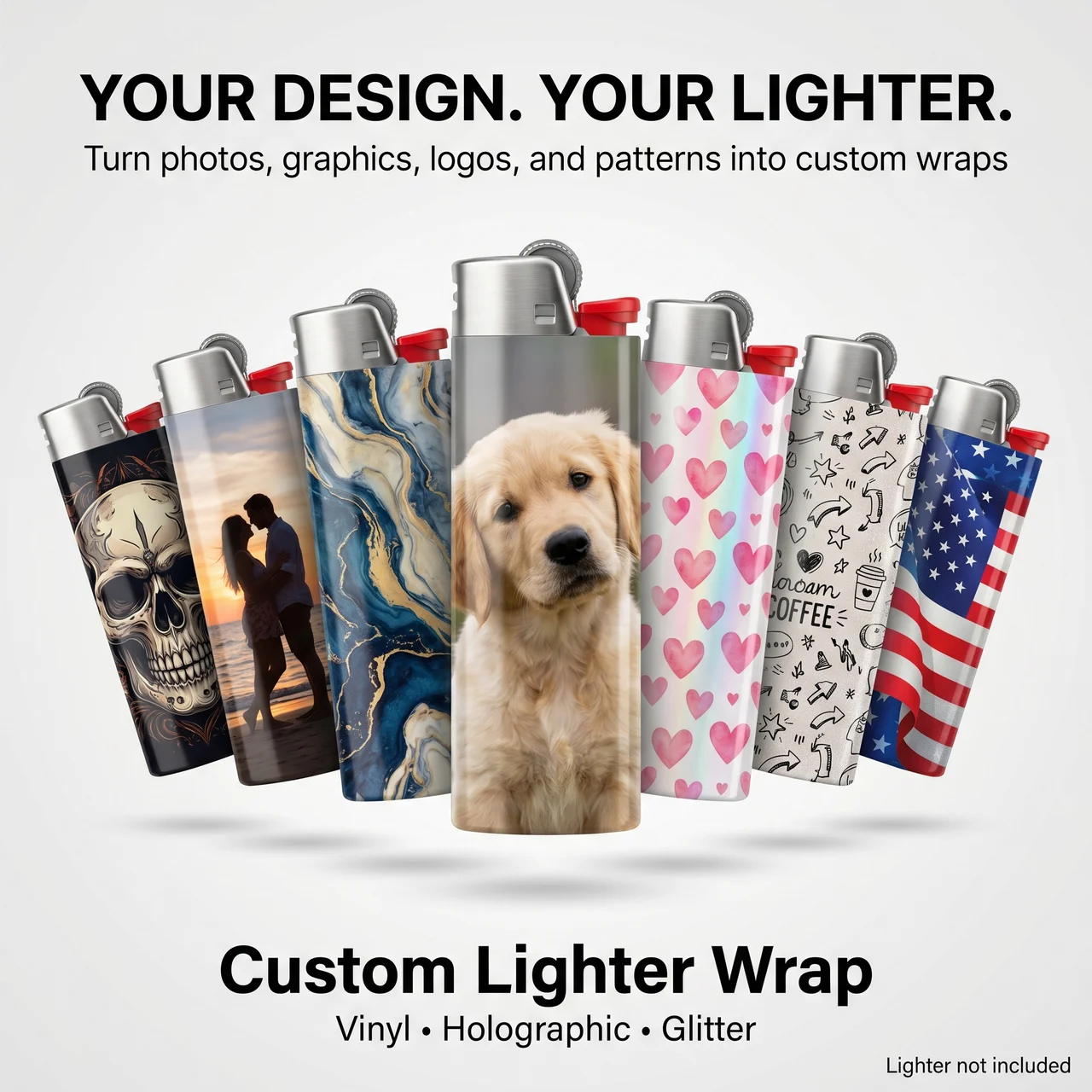
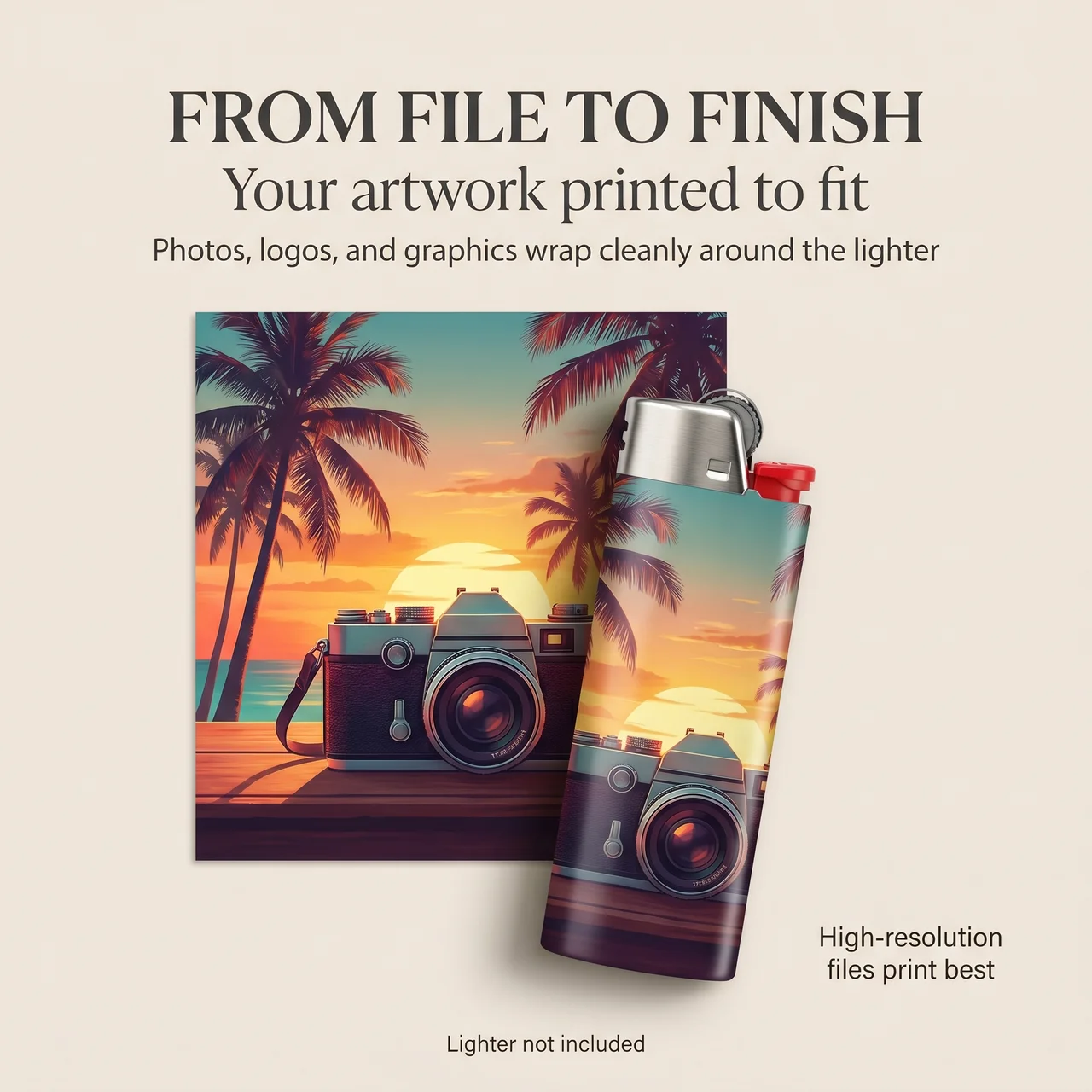
Start the lighter design with the supported template for custom lighter wraps.
Confirm the compatible object and order inclusions. Do not assume the underlying lighter is supplied.
Use the intended seam position to guide the artwork. A pattern may continue around the body while a main subject belongs on a clearly defined face.
Treat dimensions as product-specific even when every item uses the same logo.
Protect chip camera and mechanism areas
Use the exact supported model in the custom iPhone skin builder.
Place important artwork clear of camera openings, trim zones, and restricted areas.
For the lighter, protect operating components and required warnings. For a card, respect functional areas and issuer restrictions.
Do not infer protection, charging compatibility, or reader compatibility from the fact that the artwork fits visually.
Review each proof separately
Review custom credit card stickers against the supported card layout and issuer guidance.
Never submit a live card's sensitive details as part of the artwork.
Check the set in two ways: each item's individual fit, and the shared visual identity across all items.
| Individual check | Shared check |
|---|---|
| Exact supported model | Consistent palette |
| Functional clearances | Related artwork style |
| Correct crop and orientation | Repeated visual cues |
| Selected options and inclusions | Intentional differences in layout |
Save each accepted proof. Do not approve the entire set based only on the most attractive item.
FAQs
Can I use one design file for all three products?
Reuse the source artwork, then create separate layouts for each supported template. Seams, camera openings, chip positions, and dimensions differ. A coordinated appearance does not establish that a single production file will fit every item.
What is an easy way to make the set match?
Repeat a palette, pattern, initials, or a small graphic while adapting the main composition to each object. This preserves recognition without forcing important artwork into restricted areas. Review the items together and individually.
Should I upload a photo of my card to show the layout?
Avoid exposing account numbers, security codes, signatures, or other sensitive information. Use a provided template or nonsensitive sketch. Confirm the issuer's restrictions before altering a working payment card.
Does matching artwork establish compatibility?
No. Each item needs its own model, fit, application, and functional checks. Confirm current guidance for the phone, lighter, and card separately. A visually consistent set is a design outcome rather than a performance guarantee.