
A reorder sticker should help customers find the same product again.
Keep the variant choice clear. The useful decision is the destination: a direct product page, a stable reorder guide, or a short selector for related sizes. On this page
- Name the action accurately
- Plan for sold-out or retired products
- Keep package details visible
- Check the buying route before printing
- FAQs
Name the action accurately
Use a prompt such as Reorder This Blend or Shop This Size only when the link supports that action. A generic store homepage can work for discovery, but it should not be described as a one-step reorder if customers must search again.
For a practical test, label one package Reorder This Roast, point it to a page where that roast and its available sizes are obvious, then check what the same printed code shows when the original size is unavailable.
Keep the name visible. A customer should still recognize the product when the phone is elsewhere.
Plan for sold-out or retired products
Decide what the link should show when the original product changes. A stable landing page can explain replacements or offer a current choice. Avoid printing a code that depends on a temporary sale address or a product handle you already plan to rename.
Keep package details visible
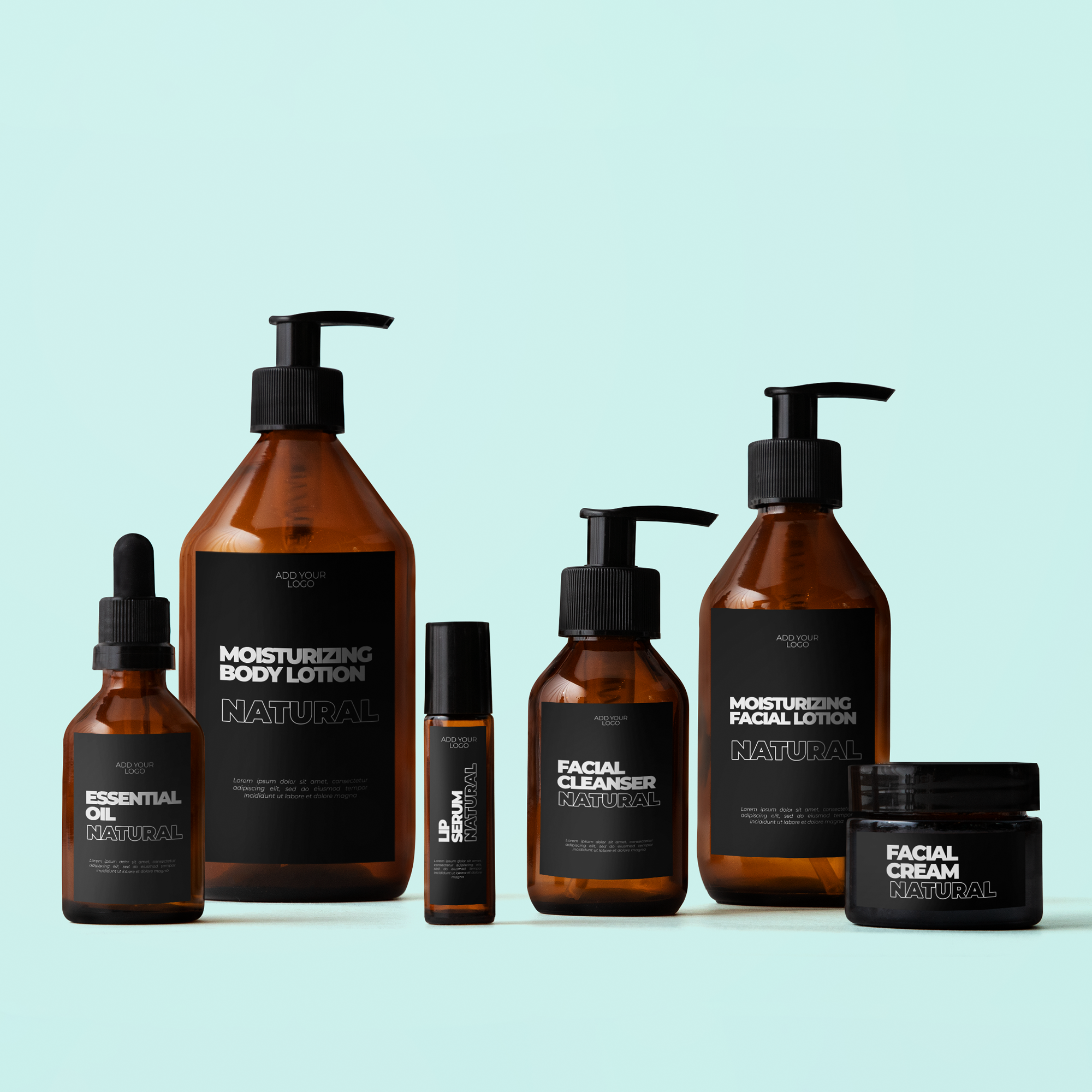
Place the code away from folds, seams, and required product information. A compatible Custom Label can carry the brand panel while a separate code serves the repeat-order action. Use a clear human-readable product name too; the code should not be the only identifier.
Check the buying route before printing
Use Custom QR Code Logo Stickers, then test the final-size proof and destination on a phone. Verify the product, available choices, and checkout journey. A scan is an interaction, not proof of a completed reorder or permission to market to that customer.
FAQs
Should a reorder code link directly to checkout?
A product or choice page is often easier to verify and maintain. Any prefilled purchase route needs testing for variants, availability, pricing, and the customer's actual selection.
Can the same code serve several package sizes?
Yes, if the destination lets customers choose clearly. Avoid a prompt that implies the original size is preselected when the page does not retain that context.
What should I do when a product is discontinued?
Keep the printed link useful with an explanation or appropriate replacement route. Test the old code and avoid quietly sending customers to an unrelated item without context.
Does a scan prove that a customer reordered?
No. Separate scans, page visits, and completed purchases when measuring results. Repeated scans and browsing can occur without an order being placed or completed. Choose a consistent reporting definition before comparing campaigns.