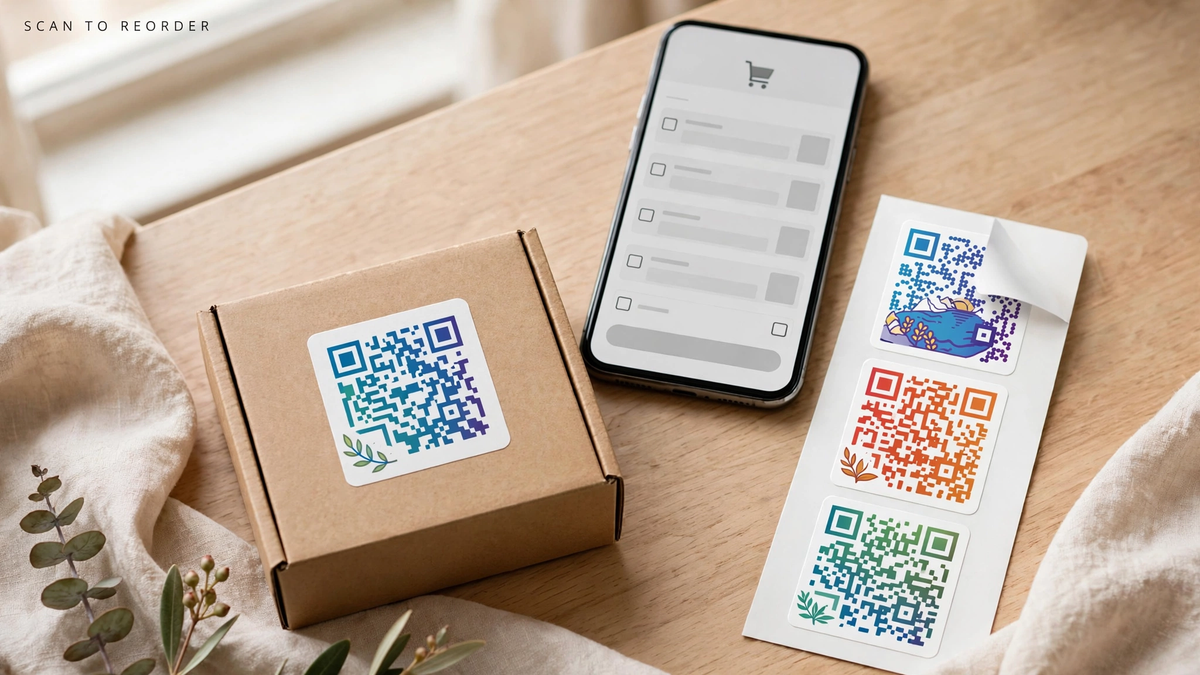

A QR sticker for product instructions should lead directly to help for that product. Give the code a plain label such as Setup Guide, then send customers to a stable page with the right model or version. A general homepage creates more work after the sale. On this page
- Organize the destination first
- Choose a link you can maintain
- Put the code where it will be found
- Test the whole support journey
- FAQs
Organize the destination first
Write the steps, identify the model, and make the page usable on a phone. Keep diagrams readable and include a clear support route. Critical instructions or required warnings should remain available in the appropriate physical documentation; a QR code is a supplement.
Choose a link you can maintain
Use a page address you control or an agreed redirect that can stay stable when the content changes. Confirm who maintains it. A sticker remains on the item long after a launch campaign, so avoid links that depend on an employee's personal account.
Put the code where it will be found
Choose compatible exterior packaging or an accessible product location that does not hide existing markings. Add a short description of the destination. Preserve the code's contrast and clear border; DENSO WAVE specifies a four-module quiet zone around a standard QR code.
Test the whole support journey
Order Custom QR Code Logo Stickers after scanning a final-size proof on several phones. Check the link, page load, model match, and access without an unnecessary login. Repeat the check when you revise instructions or replace the destination page.
FAQs
Should instructions open as a PDF or a web page?
Choose the format customers can read comfortably on a phone. A clear web page can simplify navigation; a PDF should still be readable without constant zooming.
Can one QR code cover multiple product models?
It can lead to a selector, but make each model easy to identify. Separate destinations may be clearer when the setup steps or safety information differ substantially.
Can QR stickers replace printed safety information?
Do not treat them as a universal replacement. Keep required or critical information available in the appropriate physical format and use the code for supporting detail.
What happens if the instruction page moves?
A link you control can be redirected, but that requires active maintenance. Test the old printed code after any site change before assuming customers still reach the guide.