
A small-batch product label should identify the product clearly and make the relevant details easy to find. The exact checklist depends on what you sell; food, cosmetics, candles, and unregulated merchandise should not inherit one universal template.
Begin with the product category and reviewed information. Add the visual identity around it.
Quick answer: separate fixed information from batch-specific details, reserve their space, and use optional links to help the customer rather than to hide necessary copy.
On this page
- Separate fixed and changing information
- Reserve batch and date space
- Make contact details useful
- Check requirements for your product category
- FAQs
Separate fixed and changing information
Fixed information might include the brand and product name. Changing information might include a batch reference, date, variant, or other detail used in your particular workflow.
Do not print every changing detail into a large permanent run unless that is intentional. A formulation or contact-detail update can make the remaining stock unsuitable.
The custom label builder is the ordering route once the information layout and dimensions are clear. Prepare a clean master file and a naming convention for versions.
An illustrative file name could identify the product, size, and revision. Use a system your team can understand without opening every file.
Reserve batch and date space
Decide whether changing information will be preprinted, added by an approved method later, or handled through a separate label. Confirm that the material suits the intended marking method before relying on it.
Give the area a clear purpose and enough usable space. Do not leave a decorative blank that is too small for the actual information.
A planning worksheet helps:
| Field | Fixed or changing? | Who checks it? |
|---|---|---|
| Product identity | Choose for this product | Product owner |
| Reviewed information | Current approved version | Appropriate reviewer |
| Batch/date details | As the workflow requires | Production or packing |
| Contact destination | Current maintained details | Business owner |
This is an operational example, not a list of requirements for every product category.
Make contact details useful
Use a destination you maintain. A website that opens correctly on a phone may be more useful than several tiny social icons.
For optional instructions or additional information, QR and logo stickers can be considered alongside the main label. Test the final code at its printed size and confirm that the page supports the promised task.
Keep readable identification on the package. A customer should not have to scan to understand what the product is.
If the product's information is regulated, do not assume online content replaces what must appear on the package.
Check requirements for your product category
Identify the relevant authority and applicable market before finalizing the copy. For example, the FDA's cosmetic labeling guidance is relevant to cosmetic products, not a universal packaging guide for everything handmade.
Ask the appropriate reviewer to check actual wording, claims, and presentation. Keep that approval associated with the print-ready file.
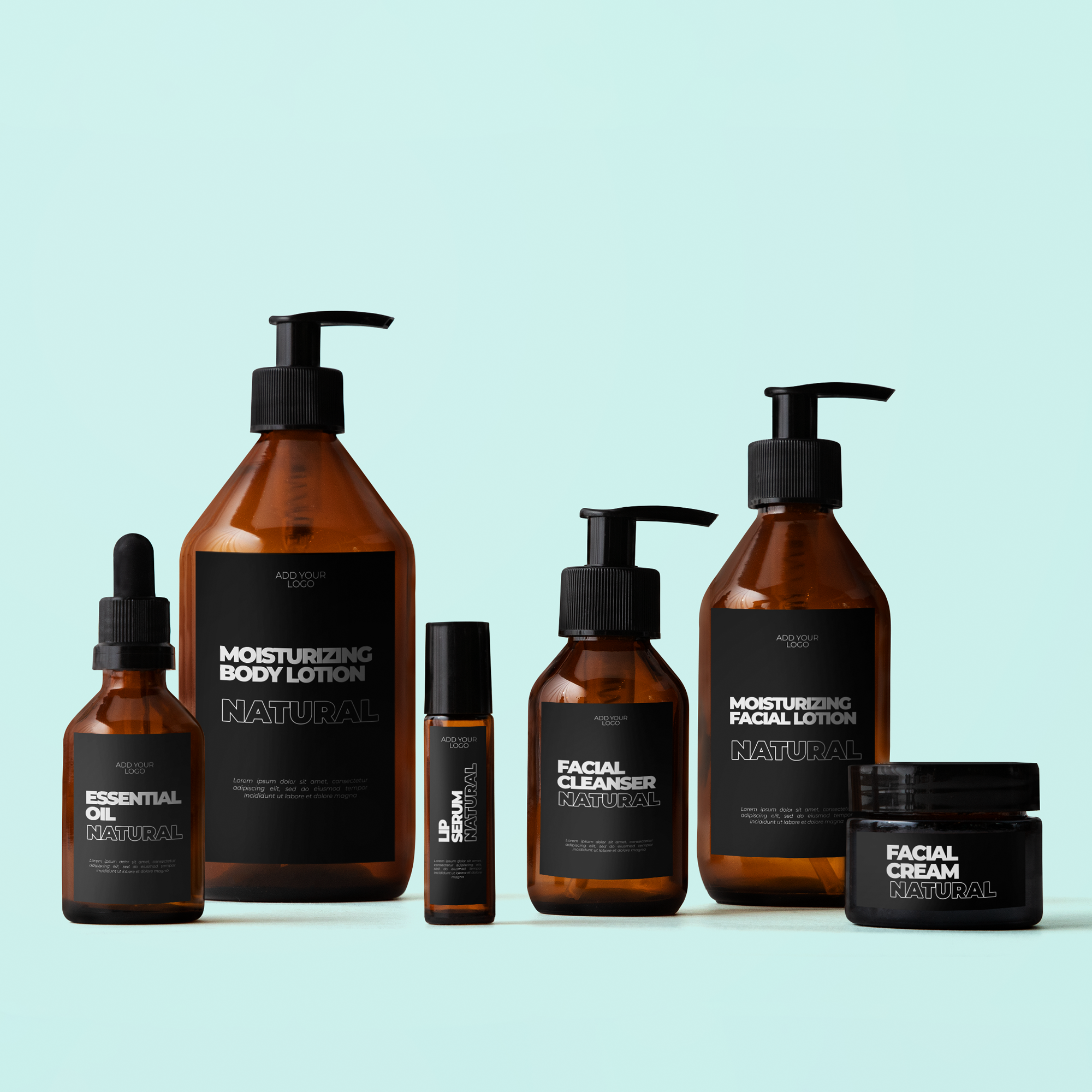
Then inspect a real-size mockup on the actual package. Verify spelling, product version, size, and the readability of changing details.
A small batch still deserves a controlled label. The goal is to know which version is correct, who approved it, and what the customer can read.
FAQs
Do all products need a batch number?
Do not assume one rule applies to every category. Requirements and business traceability needs differ. Decide what the actual product and workflow require with the appropriate review, then reserve enough space for the selected information rather than copying another seller's label.
Can a QR code link to instructions?
Yes, a code can provide a useful path to instructions when the destination works and remains available. It should supplement the approved package information rather than automatically replace it. Test the printed code and the destination on devices a customer might use.
How do I leave room for variable information?
Plan a defined area around the actual field length and marking method. Confirm material suitability and test a completed sample, not just an empty box. Keep variable information readable and consistent with the rest of the product's information hierarchy.
Who should review regulated claims?
Use the appropriate qualified review for the product category, claims, and market. The business remains responsible for establishing the correct content. An artwork proof can help catch printing and layout errors, but it is not a substitute for that review.