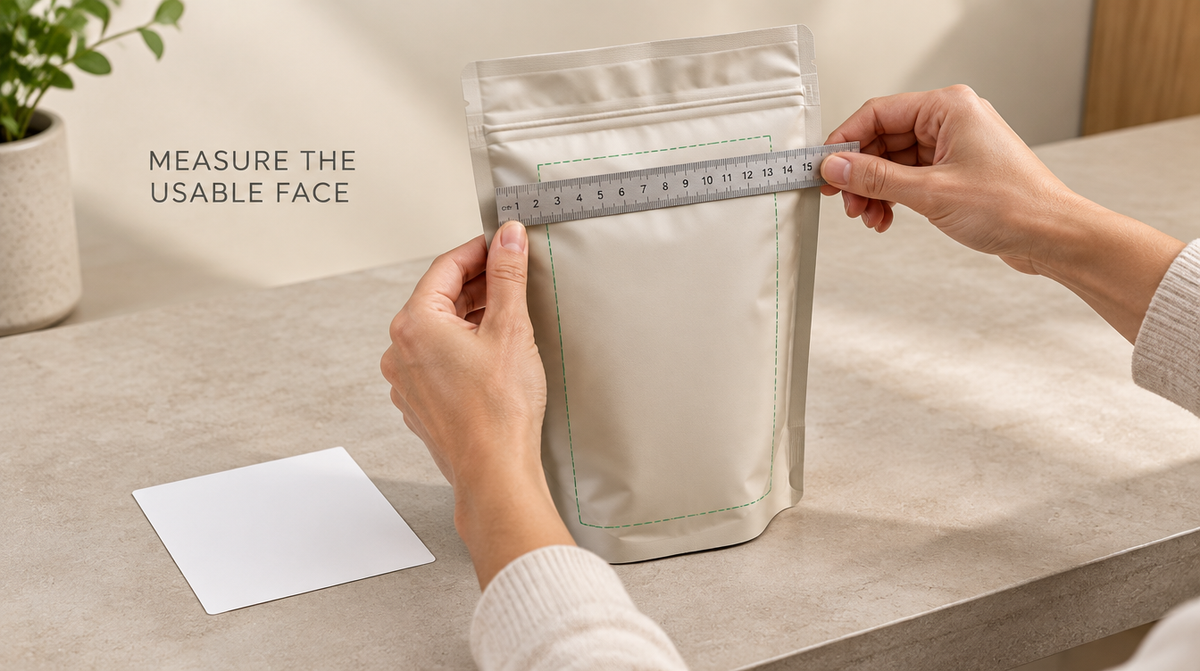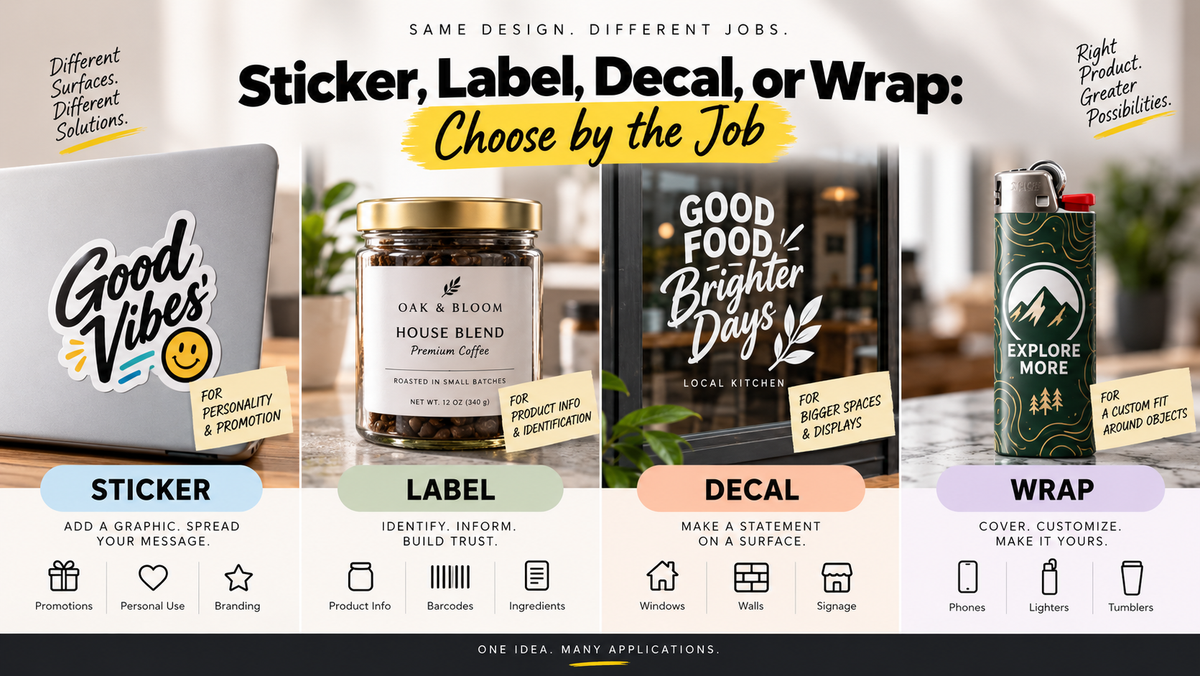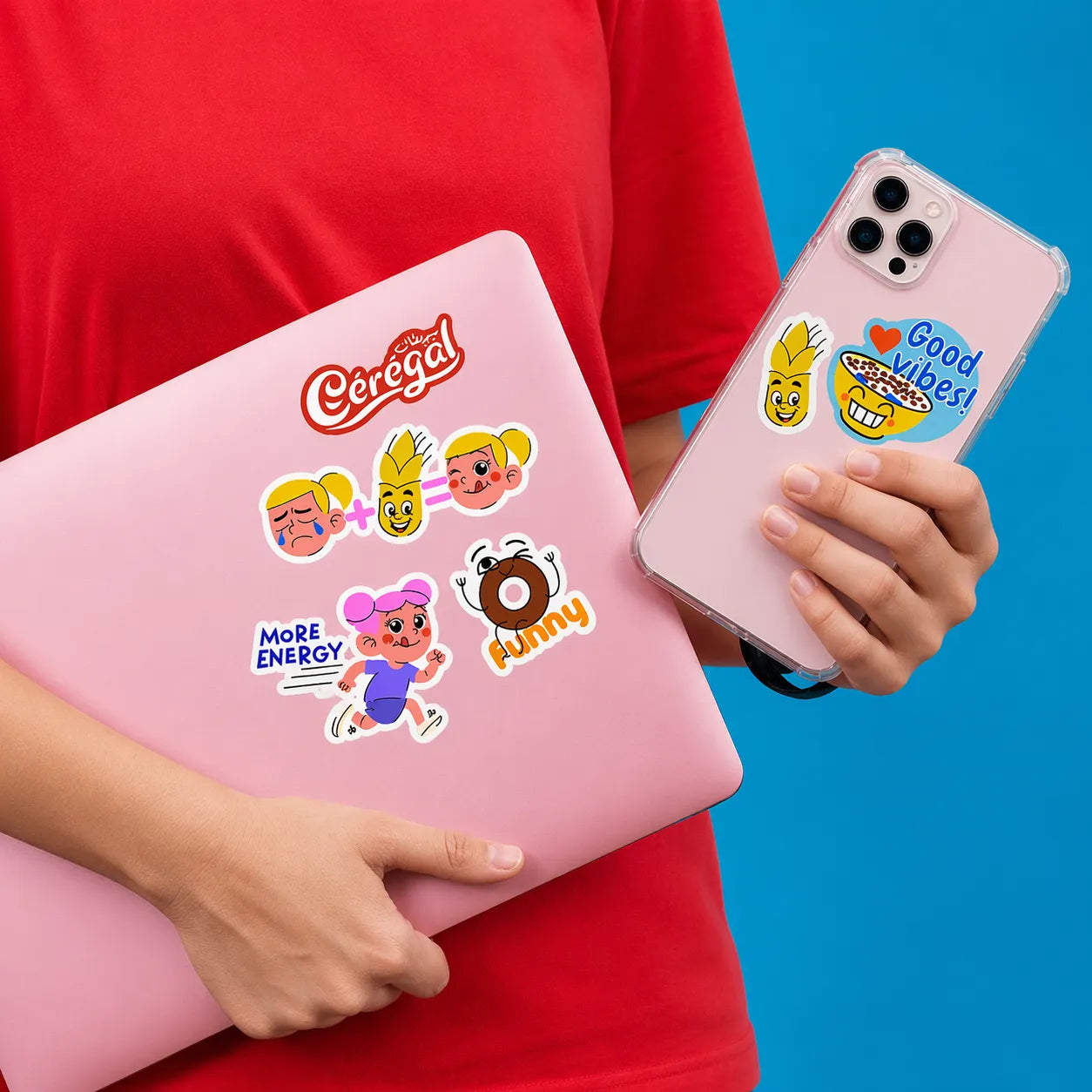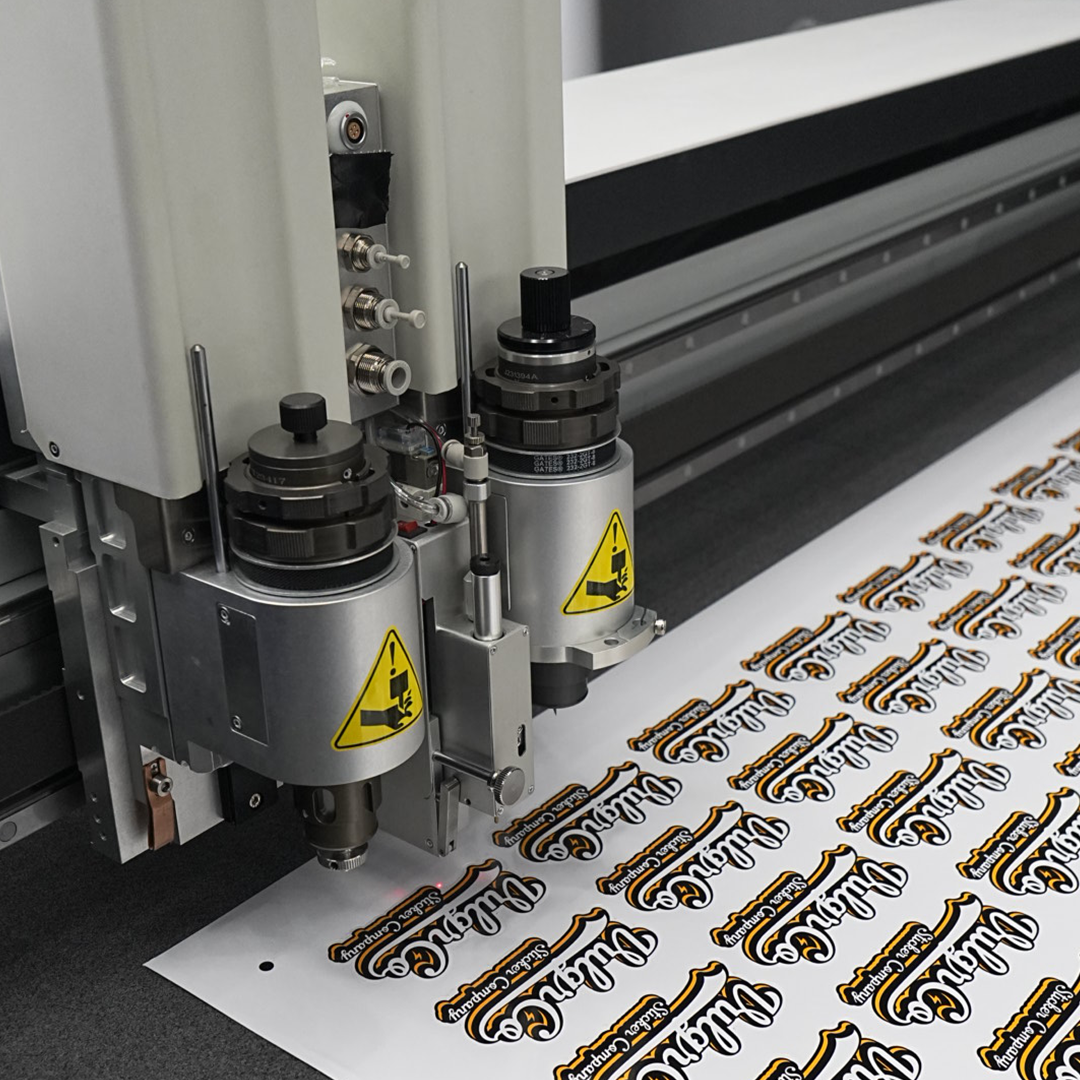

A bag label has to identify the product while leaving room for the information the buyer needs. The layout should work on the filled package, not only on a flat screen.
Quick answer: establish the content first, build a clear hierarchy, and inspect codes and small text at the actual label size.
On this page
- Build the front-panel hierarchy
- Reserve required information areas
- Check barcode and QR readability
- Review a filled-bag sample
- FAQs
Build the front-panel hierarchy
Start with the product name and distinguishing variant. Decide where the brand, quantity, and other essential information belong.
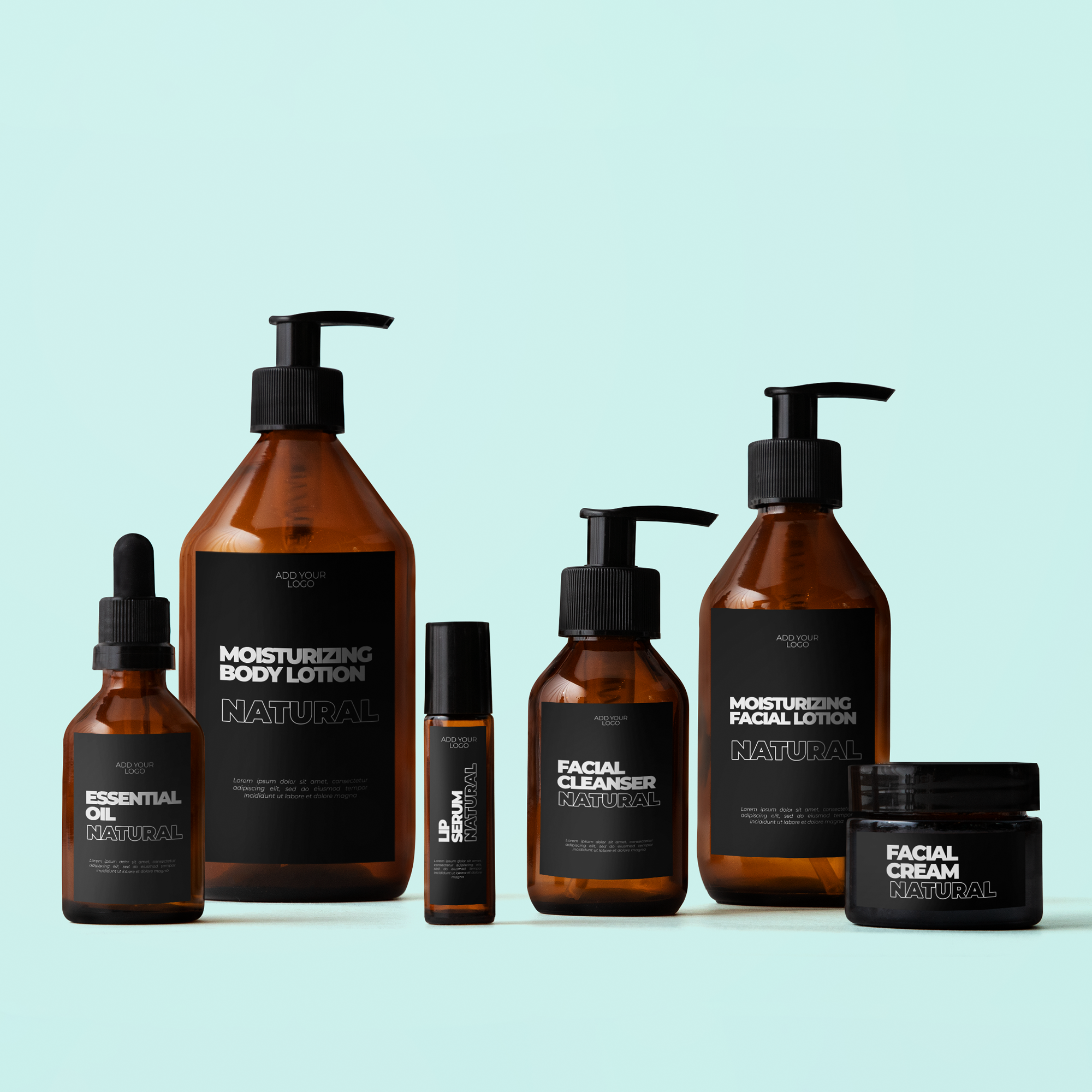
Use the actual layout for custom Mylar bag labels.
Keep visual emphasis proportional to importance. A large decorative logo should not make the product identity difficult to find.
If three variants share the same bag, keep the brand layout consistent and give each a readable variant name; a color accent can support recognition without making the buyer depend on color alone to identify the contents.
Reserve required information areas
Make a content checklist for the actual product category and sales market before designing.
Set aside space for information that applies to the contents, such as batch details or other required particulars. Determine those requirements separately; this article does not provide a category-specific legal checklist.
Do not fill the available space with decoration and then compress essential information into tiny type.
Keep changeable batch information distinct from the stable artwork so later revisions are easier to control.
Check barcode and QR readability
Use the relevant code specification and a readable placement. A compressed, distorted, or crowded code can become less useful.
If a QR destination supports the customer task, review custom QR code logo stickers as a separate product option where appropriate.
Name the destination near the code, such as “Product guide,” instead of leaving the reader to guess.
Test the printed code on a representative filled bag. A successful scan from the original artwork file does not establish that the final package will scan.
Review a filled-bag sample
Inspect the label from the front and at practical angles. Check whether folds or curvature hide information.
Read small text without magnifying the design. Compare variant names, quantities, spelling, and any batch fields with the approved content list.
A physical sample also helps assess finish and contrast. Confirm material and adhesive performance independently from the visual review.
Keep the accepted proof and content version together. A bag-size or contents change should trigger another review rather than an automatic reuse.
FAQs
What should be most prominent on a bag label?
Make the actual product and variant easy to identify while preserving applicable essential information. The best hierarchy depends on the category and buyer's task. Avoid giving decorative elements so much space that the contents become unclear.
Can I put all details behind a QR code?
Do not assume a QR destination can replace information required on the physical package. Determine the applicable category and market requirements first. Use the code for appropriate supporting content, with a clear description of its destination.
How should I distinguish several variants?
Use a consistent layout with readable variant names and controlled artwork versions. Color or a secondary graphic can support recognition, but should not be the only identifier. Compare every proof with the actual product list before approval.
Why should I review the label on a filled bag?
Filling changes shape, curvature, and folds. Information that looks clear on a flat artwork file can become obscured or distorted. Check a representative package at actual size, including text and codes, before committing the full run.