
A restaurant QR sticker should help a guest complete one useful task. A clear destination and a reliable printed scan matter more than adding a code to every available surface.
Quick answer: choose the customer task, place the code where it can be scanned comfortably, and maintain the linked page.
On this page
- Choose the customer task
- Place the code where people can scan
- Name and maintain the destination
- Test after cleaning and lighting changes
- FAQs
Choose the customer task
Decide whether the code opens a menu, product information, a review destination, or another useful page.
Name that task beside the code. “View menu” tells guests more than a bare square pattern.
Keep distinct tasks separate. A guest scanning to read the menu should reach that menu directly, while a customer looking for a product guide should reach the named guide rather than an unrelated promotional page that makes them search again.
Use a mobile-friendly destination that does not require unnecessary steps for the intended task.
Place the code where people can scan
Review custom QR code logo stickers for a suitable supported placement.
Consider lighting, reflections, viewing angle, cleanliness, and whether the customer has room to hold a phone.
DENSO WAVE's QR guidance specifies a four-module quiet zone around the code. Preserve that space in the actual print layout.
Do not assume a tiny printed code will scan because a large screen preview does. Test the intended size and placement.
Name and maintain the destination
Use a destination your business can keep current. Assign someone to check it after menu, location, or website changes.
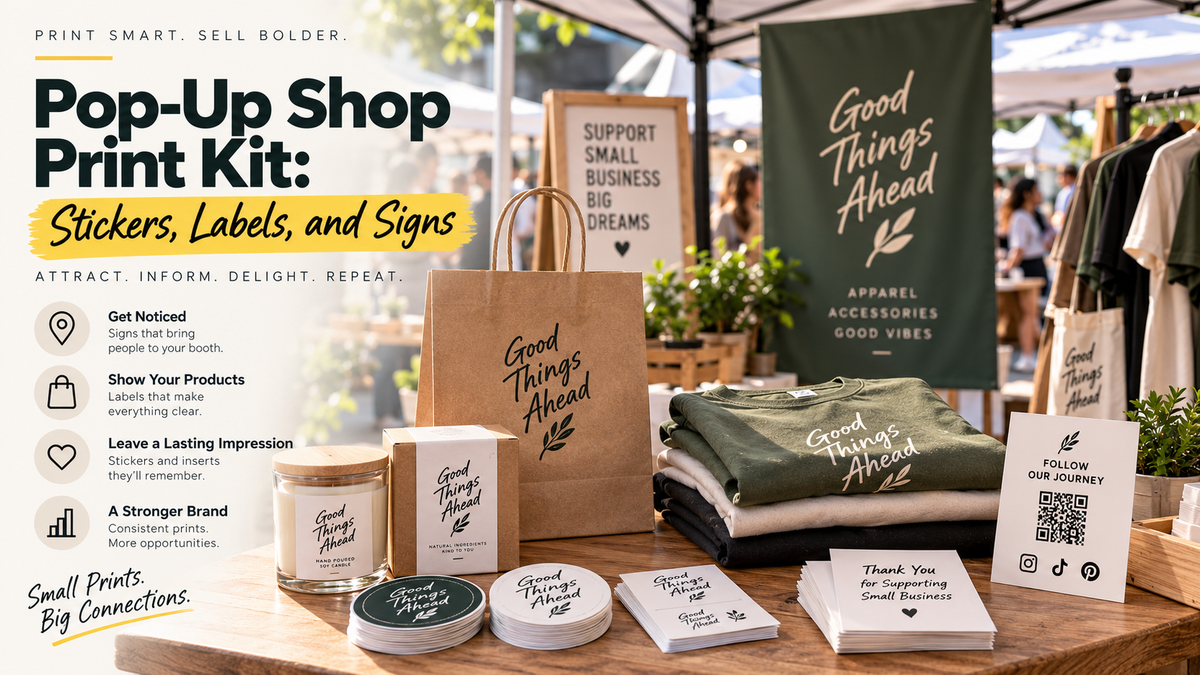
For packaging or takeaway information, custom labels can carry supporting wording where compatible with the package.
A QR code should have a clear owner and purpose. Keep the destination address and artwork version in the order record.
Offer a practical alternative for guests who cannot or prefer not to scan, such as staff assistance or an appropriate visible web address.
Test after cleaning and lighting changes
Test a physical sample with more than one suitable phone under actual service conditions.
Check the full experience: scan, page load, readable content, and successful customer action.
Confirm the sticker's compatibility with the surface and cleaning routine. This guide establishes no specific sanitation, chemical-resistance, or food-contact rating.
Inspect periodically for damage, peeling, glare, and a broken destination. Replace the artwork or material when the intended experience no longer works.
FAQs
What should a restaurant QR sticker link to?
Choose one useful customer task, such as viewing a menu or opening a named information page. Label the destination beside the code. Send guests directly to the promised content rather than through unrelated steps.
Where should the sticker go?
Choose a permitted compatible surface where guests can scan comfortably under actual lighting. Consider glare, viewing angle, crowding, and the cleaning routine. Test a physical sample rather than choosing placement solely from a screen mockup.
Can a QR sticker survive restaurant cleaning?
Confirm the exact material, adhesive, surface, and cleaning products with the supplier. No universal chemical-resistance or sanitation claim is established here. Use a representative test and inspect the installation according to the approved guidance.
How often should I check the code?
Check after changes to the linked page, menu, placement, lighting, or cleaning routine, and include it in regular inspections. Test both the scan and the destination. A readable code can still lead to an outdated or unavailable page.